
Connection & Pairing Instructions


Feature Overview


Remove pairing

Specifications

Reset
If you have trouble finding the card or encounter issues during pairing, please reset the card first.
Charging Instructions
Compatible with all USB-C charging cables.
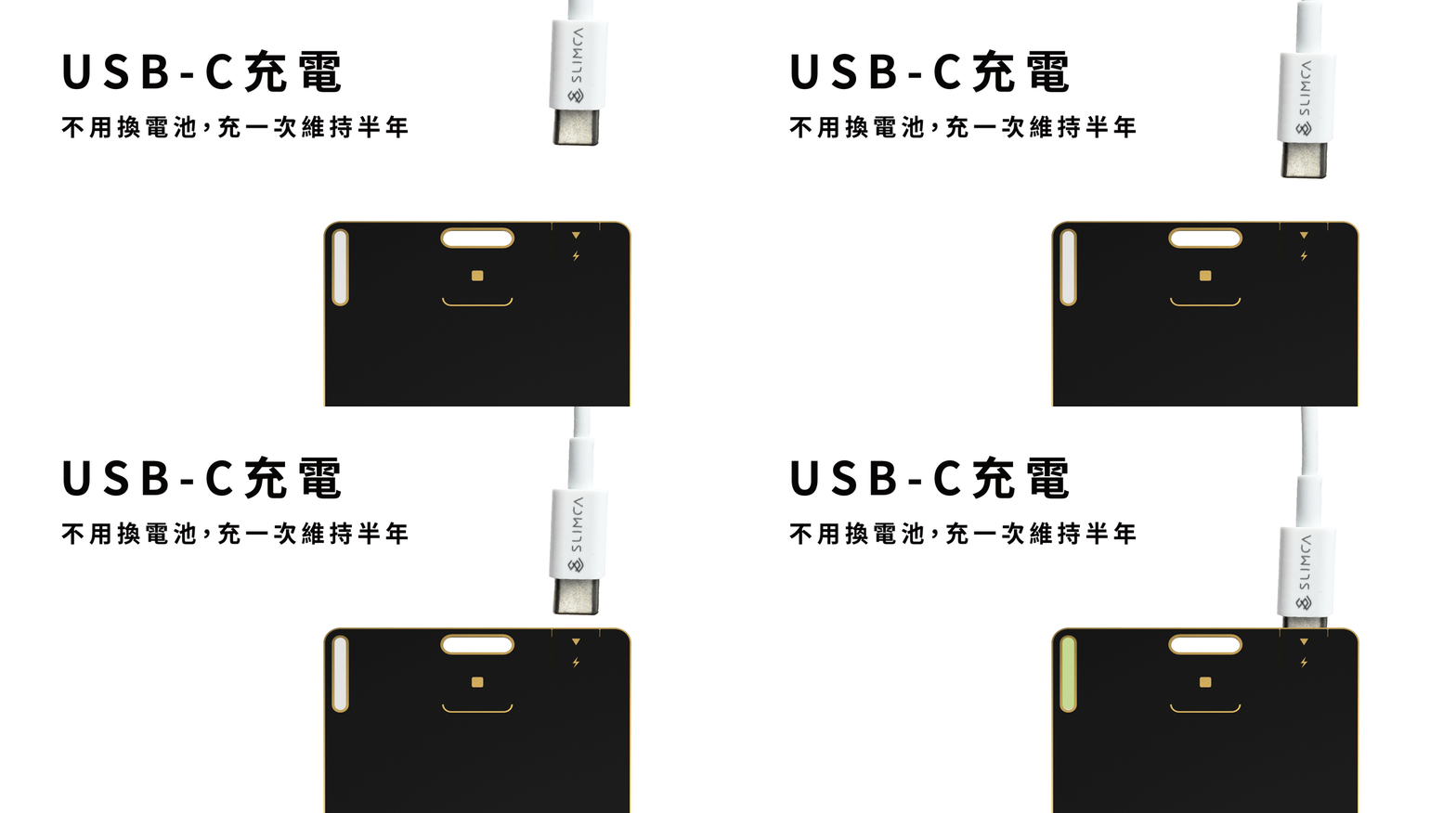
For first-time charging:
Gently tilt the USB-C connector slightly and carefully open the charging slot before inserting it.
The card is designed with enough space for the connector, so simply plug it in directly.
**Do not bend the card excessively after insertion, as this may cause the edges to lift.
-
Plugged in : Green light on
-
Fully charged : Light turns off
-
Battery status:
The battery level is shown in the app. If the battery is low, your phone will notify you automatically.
Please make sure notifications in the Find app are enabled. -
NOTE:We recommend charging with a low current, as it helps reduce battery wear.
**For the dual-system card, after charging, please press and hold the button to turn it back on before continuing to use it.
